
Telia Smart Connect is also available as an app on both the App Store and Google Play. This means that you can access your switchboard on your mobile devices with just a few taps, making it even more convenient to have full control.




API lookup integration
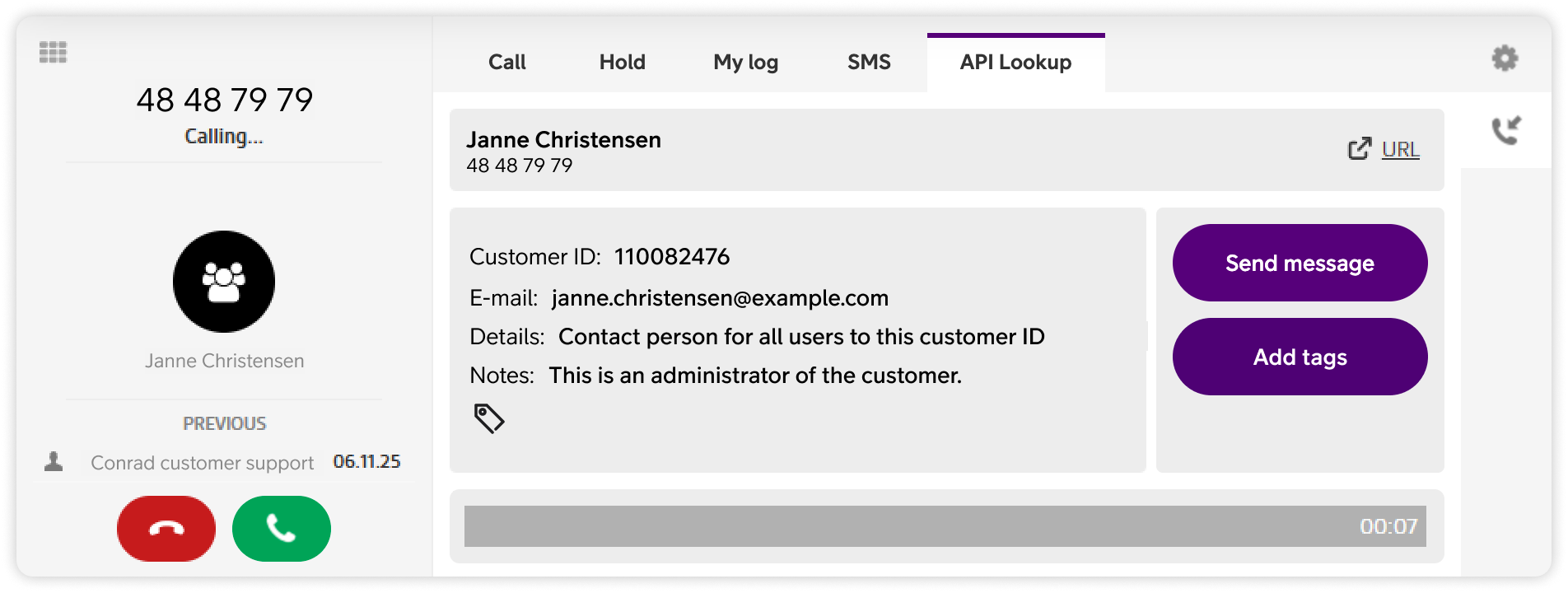
The API lookup feature in Smart Connect allows customer data to appear automatically during calls. Incoming callers are matched against an external system, and relevant customer information is displayed directly in the switchboard.
Using API lookup, users can:
- View customer information such as name, customer ID, email, and notes when a call comes in.
- Access API lookup data from the call screen by clicking API lookup.
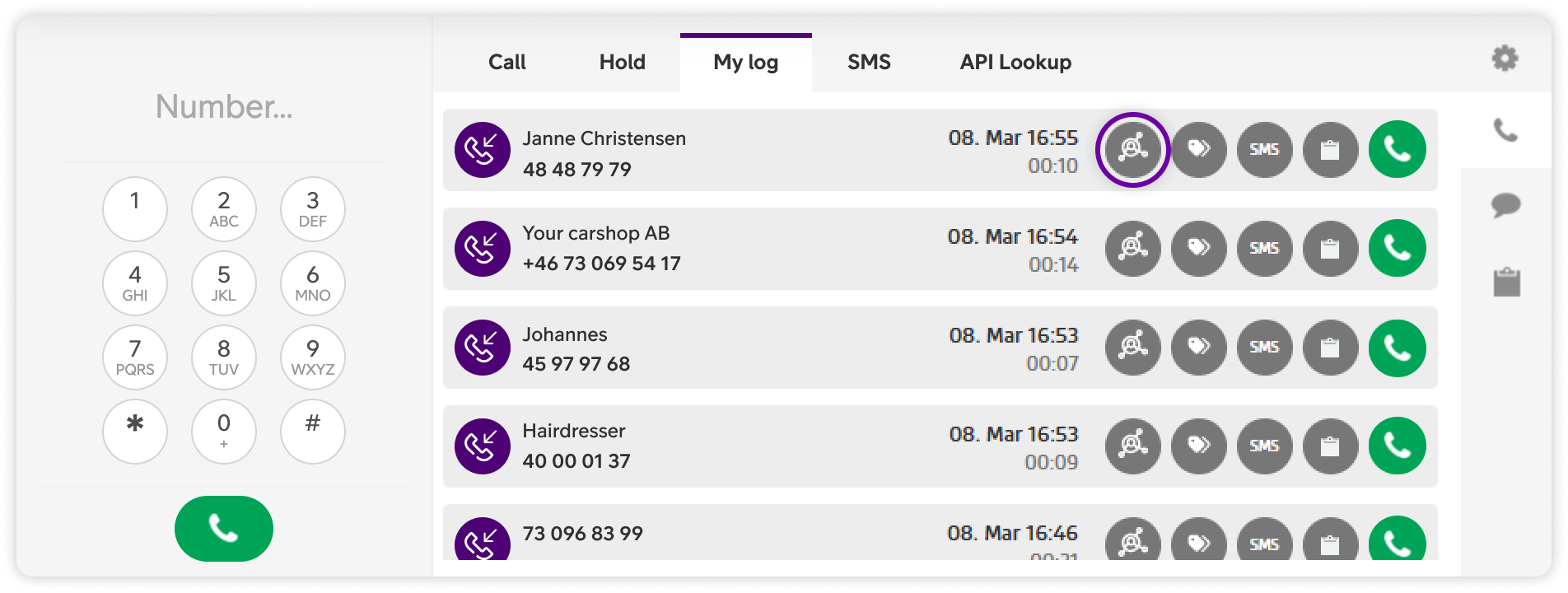
- Retrieve customer information from previous calls directly in My log.
How to get started
API lookup must first be enabled by an administrator. Once the integration is set up, API lookup will be visible in the switchboard during calls.
The information displayed depends on the data the administrator has configured the integration to retrieve and present.
User Guides
Here you can find user guides connected to the feature topic. If you can’t find what you are looking for here you might find it in our main user guide archive.
User Guides